Cost Centres, Customer Account Shipping & Specification Attachments
Book Internal Orders to Cost Centres
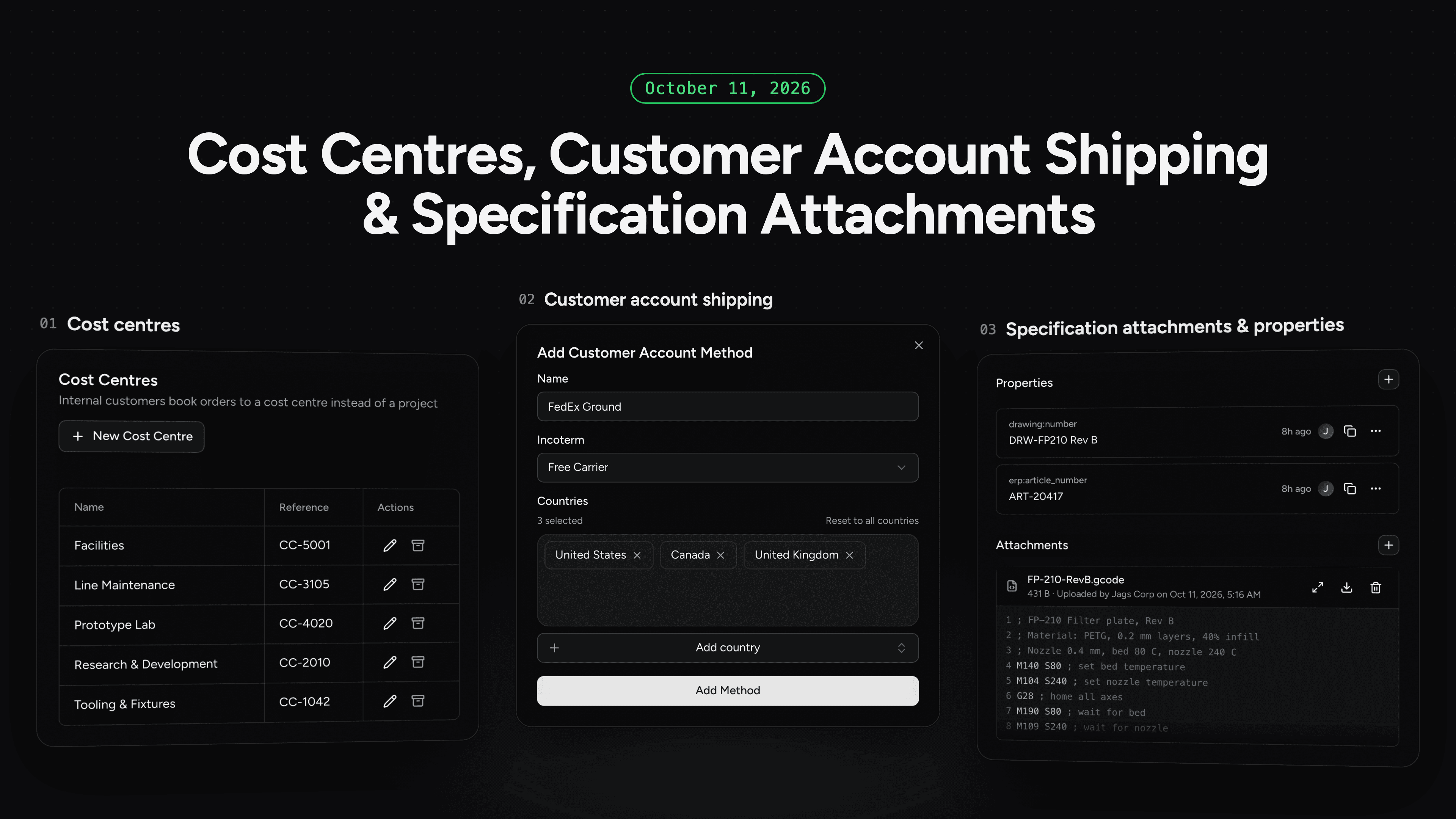
Internal customers can now book an order to a cost centre instead of a project. Manufacturers create cost centres under Settings in Finances, each with a name and a free-text reference, and internal customers pick one at checkout from the same searchable list as their projects. An order is booked to a project or a cost centre, never both, and its cost centre shows on the order page, in the orders list with its own filter, and in the order export. Archived cost centres drop out of checkout but stay on the orders already booked to them.
Ship on Your Customer's Carrier Account
Orders can now ship on the customer's own carrier account. Manufacturers set up customer account shipping methods such as FedEx Ground under Settings in Shipping, optionally limited to certain destination countries and with a default incoterm. At checkout the customer enters their account number and delivery address and is not charged for shipping. The incoterm carries through to the order, so it is clear who covers insurance, export clearance and import duties.
Attachments and Properties on Part Specifications
On the Pro plan, part specifications can now hold their own files and data. On a part specification page, manufacturers can upload files of up to 25 MB, preview images and text files such as G-code in place, and see who uploaded each file and when. A new Properties section stores your own key and value pairs, such as an ERP article number, and the same properties can be read and written through the Manufacturer API. Production files and integration identifiers stay with the specification they belong to instead of in separate folders and spreadsheets.