Quote Labels, Bcc on Customer Emails & Open Carts
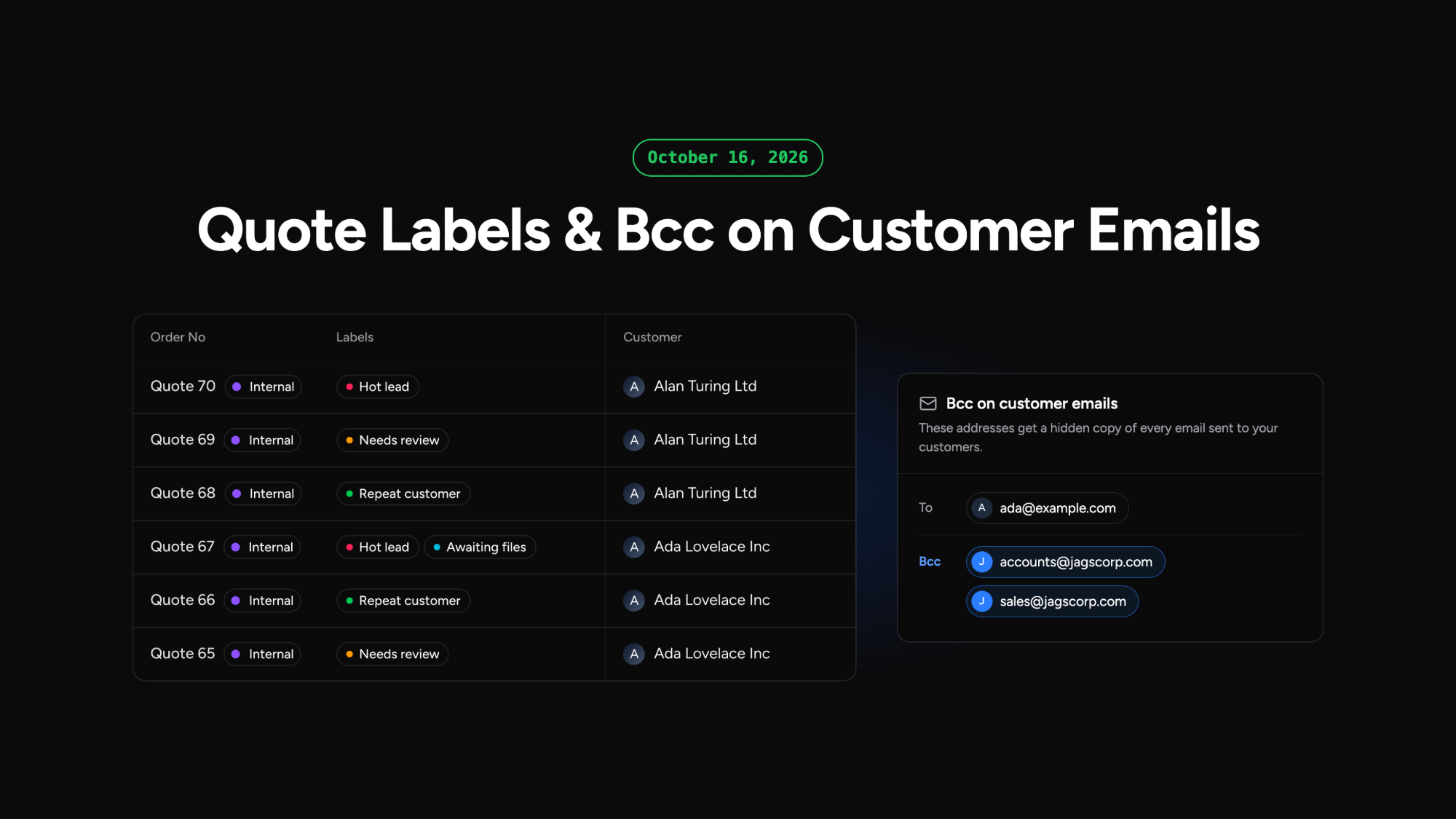
Label Your Quotes
You can now create your own labels and attach them to quotes, so your team can see at a glance where each quote stands. Labels are set up under Settings in Workspace Labels, each with a name and a colour. On the Quotes page, the new Labels column lets you add or create labels in place, and filter and sort the list by them. Labels stay on a quote when it becomes an order, and customers never see them. The Awaiting status column is removed, as it showed "Take action" on every quote.
Bcc on Customer Emails
You can now receive a hidden copy of every email Phasio sends to your customers. Add up to five addresses in Bcc on customer emails, under Settings in Workspace General. Colleagues without a Phasio seat can see what customers were sent, and an accounting mailbox receives invoices without anyone forwarding them.
Open Carts on the Customer Page
A customer's page now has a Carts tab that lists their open carts, so you can see what they are working on without searching the Carts page.