Stage and progress parts
Stage individual parts into a named build and progress them to the next operation on the build screen.
The build screen shows every part currently at this operation, which work order each belongs to, and where each part is headed next. It is designed for gloved hands on an iPad — all actions stay on a single page.
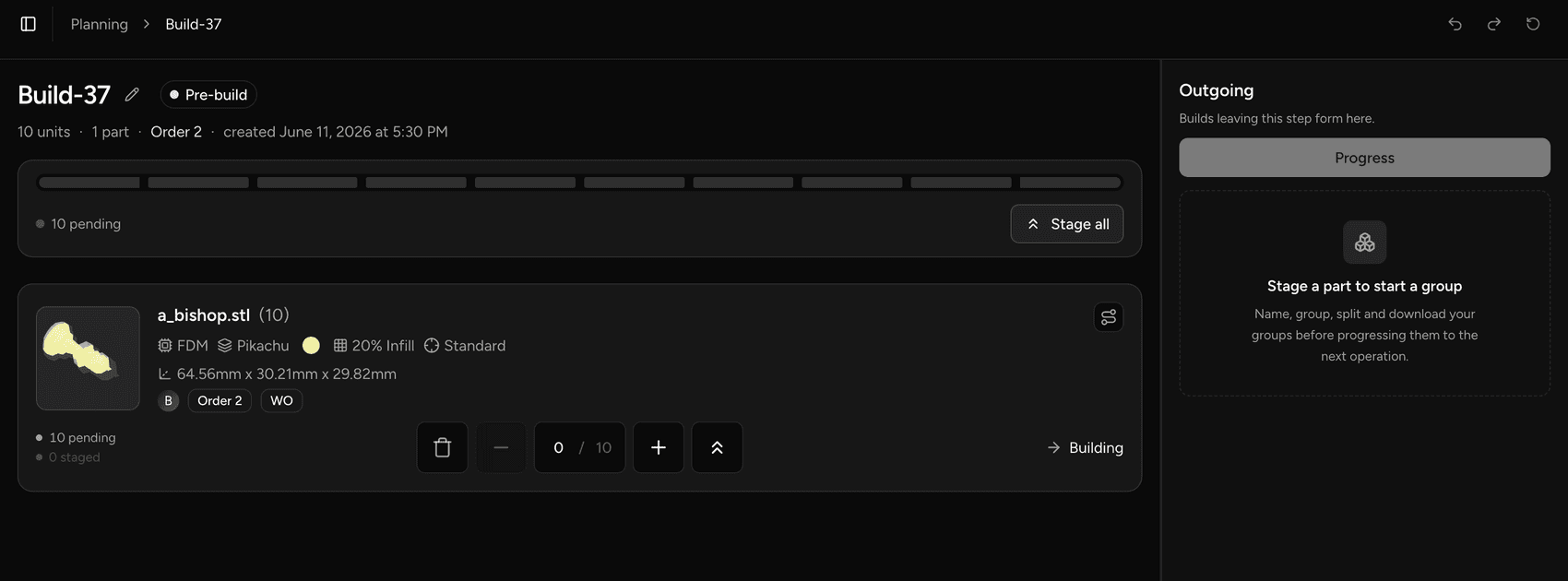
Stage an individual part
Staging moves a part quantity from the pending pool into a build — in memory only, nothing is written until you progress.
- On the build screen, locate the part you want to stage.
- Add the quantity to a build.
ℹ️ If a part's full quantity spans multiple source steps (e.g. parts from two work orders filling the same slot), the staging engine splits the quantity automatically — one chunk per source step.
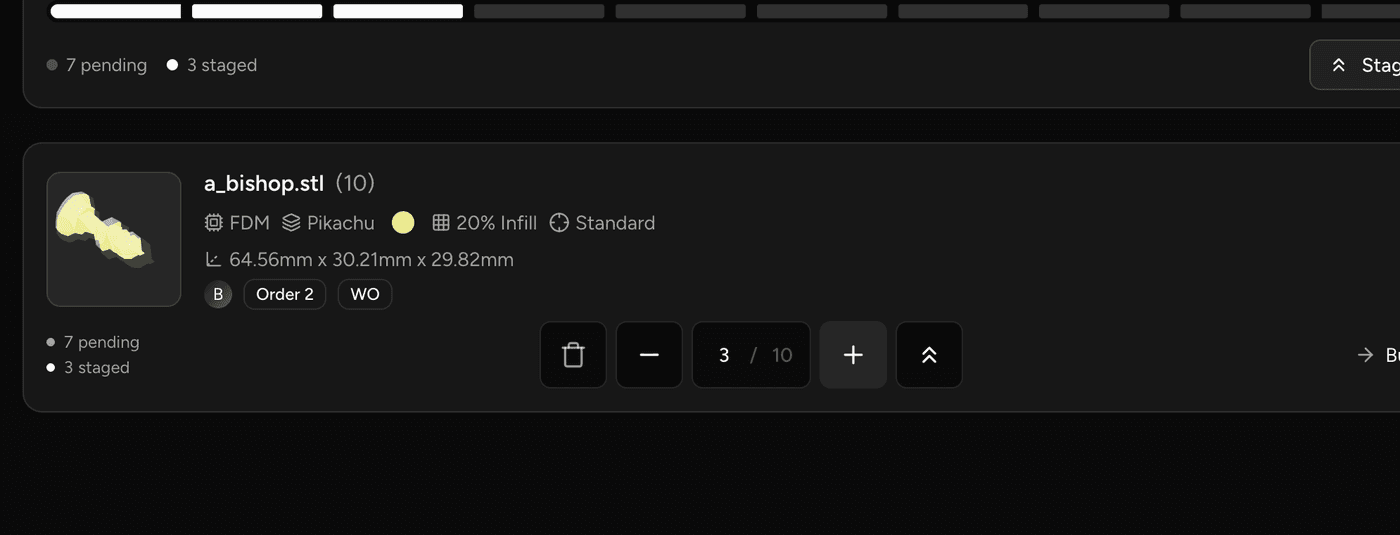
Stage all parts
To stage every pending part at once:
- Use the stage-all action on the build screen.
- Review the resulting builds before progressing — staging all is reversible.
💡 Staged changes are held in memory and can be undone freely before you hit Progress.
Remove a staged part
To pull a part back out of a build before progressing:
- Locate the staged part in the build lane.
- Decrement or remove the quantity.
The quantity returns to the pending pool. If the last batch is removed, the build entry is dropped automatically.
Attach a build file
For operations configured to accept a nesting file, you can attach a .3mf file to the build.
- Drag the
.3mffile anywhere onto the build screen and drop it.
ℹ️ File attachment is only available on operations whose step type is configured for
.3mfupload. 👉 Manage operations
Progress staged parts
Progress commits all staged builds to the ledger and advances each part to its next operation. This is the only step that writes durable data.
- Confirm your staged builds look correct — names, quantities, and destinations.
- Hit Progress.
The page updates in place: the formed builds appear with a full production trace, and the parts are removed from the pending pool for this operation.
⚠️ Each part must move to its strict next operation — you cannot skip a stage. Quantity is also capped by the available balance unless overproduction is enabled for your account.
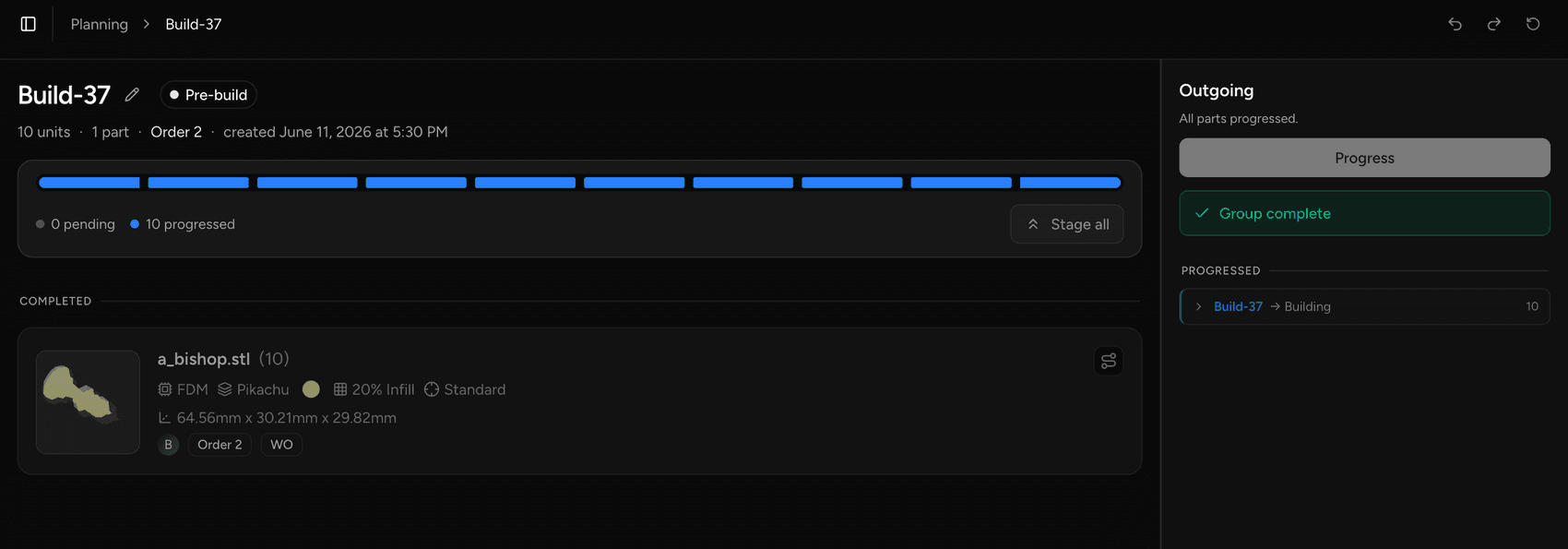
Empty states
When all parts have been progressed or scrapped, the pending pool is empty. Builds already committed at this operation remain visible with their trace.
Last updated on